
Production & Workflow
How to Learn Ableton Fast Without Tutorial Chaos
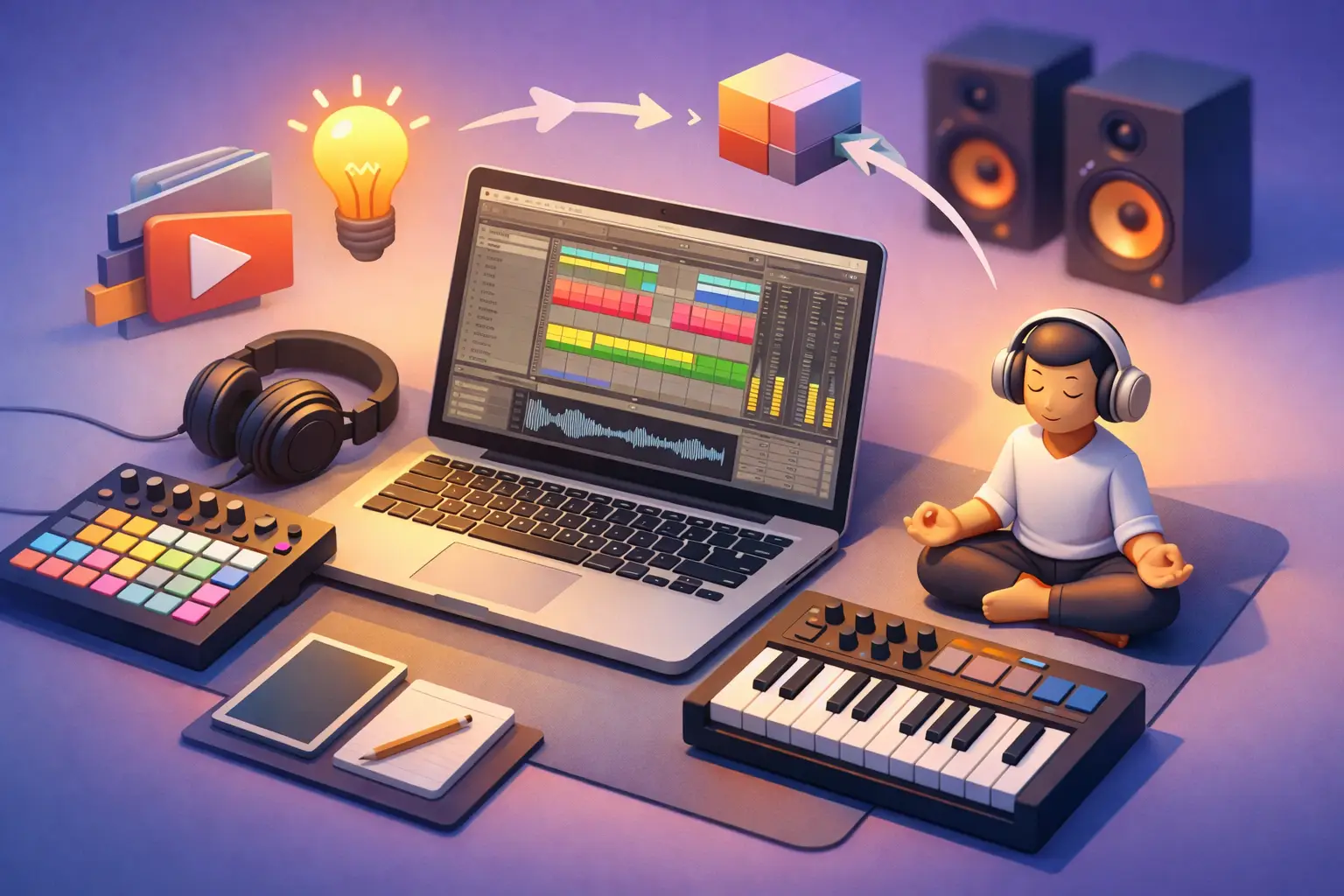
Your Ableton session should not feel like a spaceship cockpit where every button is blinking at once. The fastest producers are not the ones who memorize every menu. They are the ones who learn a small set of moves, use them repeatedly, and finish enough tiny projects to recognize what each move actually does. If you are asking how to learn Ableton fast, the answer is not another 47-tab tutorial binge. It is a focused practice loop with clear missions.
Ableton Live is deep enough to keep you learning for years. That is the good news and the trap. You do not need years to make your first groove, sketch a full arrangement, or turn an idea into a shareable demo. You need to stop treating every feature as mandatory side-quest material.
How to Learn Ableton Fast: Build Before You Browse
Start with a production goal, not a software goal. Saying you want to learn Ableton is too broad. Saying you want to make a 16-bar house groove, flip a vocal sample, or build a moody synth beat gives your session a win condition.
Pick one reference track in a style you genuinely enjoy. You are not trying to copy it perfectly or release a soundalike. You are using it as a map. Listen for the drum pattern, bass movement, major sections, and the moments where energy rises or falls. Then create a rough version using your own sounds.
This approach gives every Ableton tool a job. You learn the Drum Rack because you need drums. You learn MIDI clips because you need a bassline. You learn automation because your chorus needs to feel bigger. Context makes technical knowledge stick far better than memorizing buttons in isolation.
For your first few tracks, set a 30- to 60-minute timer. A short deadline prevents the classic beginner curse: spending an hour auditioning hi-hats while your arrangement remains empty. Your mission is not perfection. Your mission is a playable beginning, middle, and ending.
Learn the Smallest Set of Ableton Skills First
Ableton has two main workspaces: Session View and Arrangement View. Learn both early, but do not demand equal mastery on day one. Session View is excellent for experimenting with loops, scenes, and alternate musical ideas. Arrangement View is where you lay your song out across time and make decisions about structure.
A useful beginner path is to sketch ideas in Session View, then record or move them into Arrangement View. That gives you room to play without losing the bigger picture. If clips and scenes feel confusing at first, use Arrangement View for a few projects. It is more visually similar to a traditional timeline and may reduce friction.
Your early Ableton skill tree should focus on these core actions:
- Creating MIDI and audio tracks, loading instruments, and choosing samples
- Programming a drum pattern and editing MIDI notes in a clip
- Recording, duplicating, and organizing clips or sections
- Using volume, pan, EQ, and one creative effect such as reverb or delay
- Automating one parameter to create movement
- Exporting a finished audio file
Everything else can wait. Warp modes, racks, return tracks, Max for Live devices, advanced routing, and complex modulation are powerful tools. They are just not your first boss battle. Trying to learn them before you can build a simple song is like grinding for legendary armor before learning the controls.
Make the Browser Your Home Base
The Browser is where Ableton can either speed you up or eat your entire night. Learn how to search for instruments, drum kits, audio effects, and samples. More importantly, save sounds you like to Collections so you are not hunting for them again later.
Create a small personal starter kit: one drum kit, one bass sound, one chord sound, one lead or texture, and a few favorite effects. Limiting your choices is not boring. It is a creative buff. When you have fewer options, you make decisions faster and learn what your tools can really do.
Use Daily Missions Instead of Random Practice
Fast learning comes from frequent retrieval. You need to open Ableton often enough that basic actions become automatic, not mysterious. A daily mission can be as short as 15 minutes if it asks you to make something specific.
Try this four-day loop and repeat it with new sounds or genres:
- Day one: Build an eight-bar drum groove with kick, snare or clap, hi-hat, and percussion.
- Day two: Add a bassline and one melodic or chord part to yesterday's groove.
- Day three: Turn the loop into a one-minute arrangement with an intro, main section, and change-up.
- Day four: Mix the basics, automate one transition, export it, and write down one thing you would improve.
The point is not to create four masterpieces. The point is to turn common Ableton actions into muscle memory. By the third or fourth loop, duplicate, quantize, draw MIDI, and automate commands will feel less like puzzles and more like verbs.
Keep a tiny quest log after each session. Write what you made, what slowed you down, and one command or concept to revisit. For example: I can make a Drum Rack groove, but I do not understand why my reverb is muddy. That note becomes tomorrow's targeted lesson instead of a vague search spiral.
Learn Keyboard Shortcuts Through Repetition
Mouse-only production is possible, but it is slow. You do not need to learn every shortcut at once. Pick a handful that directly support your daily work: play and stop, duplicate, undo, consolidate, split, quantize, zoom, and switching between Session and Arrangement View.
Use one shortcut deliberately until it becomes automatic, then add another. Put a short reminder beside your screen if you need to. The first week may feel slower because you are interrupting old habits. After that, your workflow starts gaining XP.
Also learn to name and color tracks early. A project with Track 1, Track 2, and Track 3 becomes difficult to navigate surprisingly fast. Label drums, bass, chords, vocals, and effects as you go. Clean sessions reduce mental clutter, especially when you return after a day away.
Finish Tiny Tracks to Beat the Loop Trap
A great eight-bar loop is not a finished track. Most beginner producers get stuck here because looping is fun, while arranging forces choices. You have to decide when an instrument enters, when it leaves, and whether the energy is actually going somewhere.
Use simple arrangements at first. Start with 60 to 90 seconds. Add an intro with fewer elements, a main section where the groove is full, a contrasting break or stripped-back moment, then a final main section or outro. You can create plenty of momentum by muting drums, removing bass, filtering a sound, or introducing one new part.
This is where automation earns its place. Automate a filter cutoff, reverb send, delay feedback, or track volume to make your arrangement evolve. One intentional movement is more valuable than stacking five effects because a tutorial told you to.
Do not let mixing become a hiding place, either. Your first mix should be functional: avoid clipping, balance the kick and bass, make sure the main idea is audible, and leave some headroom. If you cannot tell whether a mix is good yet, that is normal. Ear training develops through comparisons and repetition, not one late-night mixing marathon.
Turn Mistakes Into Targeted Side Quests
When something goes wrong, avoid searching broad phrases such as Ableton help. Describe the exact problem: MIDI notes are not playing, audio is delayed, a clip will not loop, or the reverb is washing out the snare. Specific questions lead to specific fixes.
Then recreate the fix immediately in a blank project. If you only watch someone solve it, you may recognize the answer later without being able to perform it yourself. Watching feels productive. Performing is what earns the achievement.
A structured platform such as SoundSurf can help turn these weak spots into repeatable challenges, quizzes, and DAW-specific missions rather than a pile of disconnected tabs. The best learning system is the one that gives you a clear next action and makes you prove the skill before moving on.
Know What Fast Actually Means
Learning Ableton fast does not mean becoming an advanced mix engineer in two weeks. It means reaching useful independence quickly. You can hear an idea, build a version of it, solve basic technical problems, and finish drafts without needing a tutorial for every click.
Your pace depends on your musical background and the kind of music you make. A guitarist may learn MIDI and arrangement quickly but need more time with drums and sound design. A DJ may feel comfortable with clips and transitions but need practice writing harmony. That is not a failed run. It is just your skill map showing where the next quests live.
Open Ableton with one small mission tomorrow. Make the beat, name the tracks, add one change, and export it before you judge it. The producer you want to become is built less by heroic all-nighters than by showing up often enough for the controls to stop feeling like controls and start feeling like instruments.