
Production & Workflow
Learn Ableton With Practice That Actually Sticks
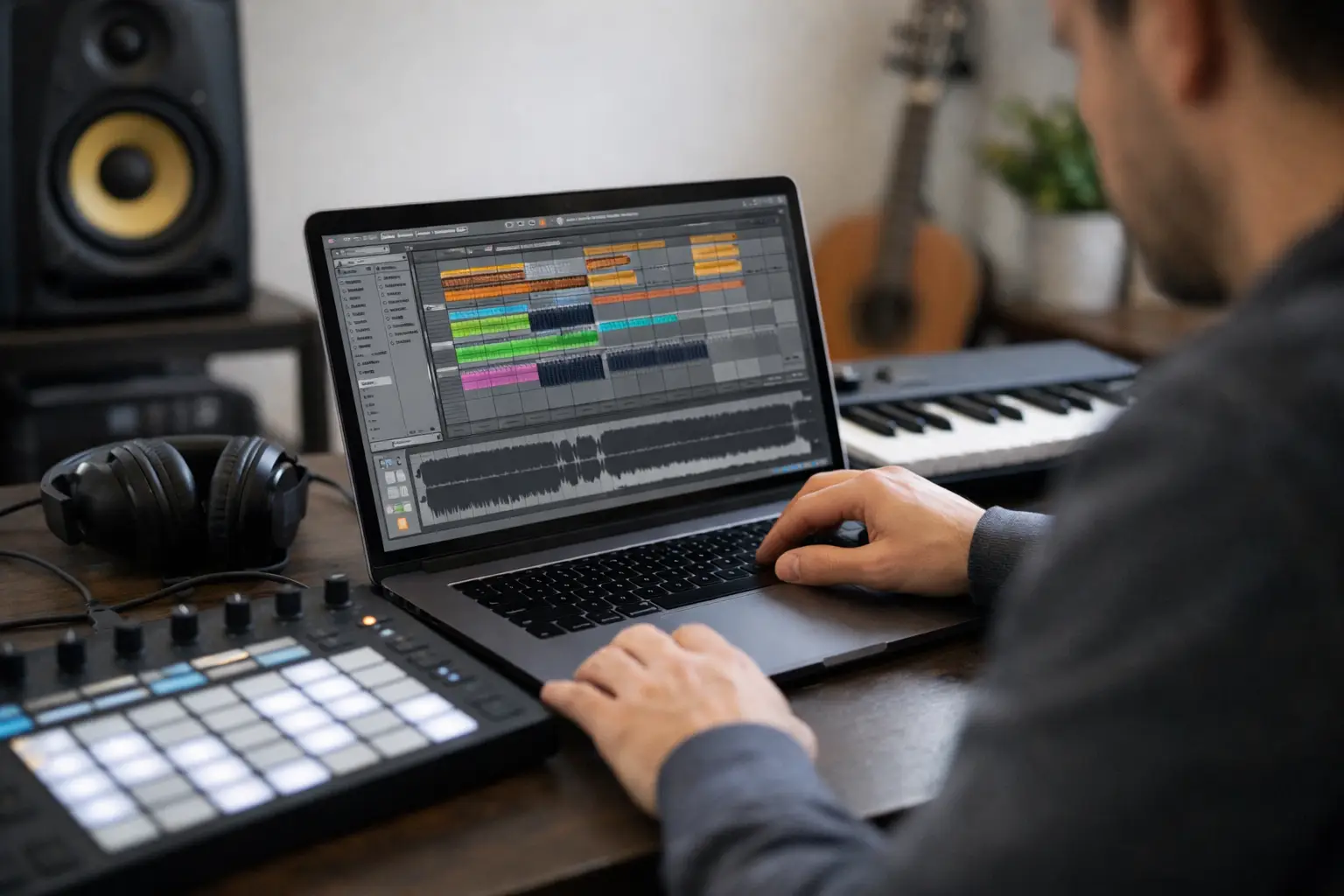
You can watch 40 Ableton tutorials and still freeze the second you open a blank project. That is exactly why so many producers try to learn Ableton with practice instead of collecting more content they never really use. Ableton rewards repetition. The more often you touch the same core moves - slicing audio, programming drums, automating effects, building transitions - the faster the DAW stops feeling like a maze and starts feeling like an instrument.
If your sessions keep turning into random clicking, the fix usually is not more motivation. It is better reps. Ableton is one of those tools where tiny actions stack fast. A five-minute drill done daily will teach you more than a three-hour tutorial binge you barely remember by tomorrow.
Why learn Ableton with practice instead of tutorials alone
Tutorials are useful. They show possibility, reveal workflows, and help you hear what good production decisions sound like. But tutorials are spectator mode. Practice is the actual dungeon run.
The problem for beginners is not lack of information. It is overload. Ableton has Session View, Arrangement View, racks, warping, automation lanes, routing, stock devices, MIDI tools, audio editing, and shortcuts everywhere. If you only consume explanations, your brain stores ideas in a foggy, passive way. The moment you need to do the move yourself, the path disappears.
Practice changes that because it forces recall. You are not just hearing that EQ Eight can cut muddy lows. You are loading it, sweeping frequencies, hearing the difference, and deciding what sounds better. That decision-making is the skill. Not the video.
There is also a confidence piece here. A lot of producers think they need to understand all of Ableton before they can make good music. That is backwards. You get good by building a few reliable actions first, then expanding your toolkit when your ears are ready for it.
The best way to learn Ableton with practice
The fastest route is not trying to learn everything at once. It is breaking Ableton into repeatable micro-skills and training those like game mechanics.
Think of it like leveling up a character. You do not max every stat on day one. You train one move until it becomes automatic, then you add the next one. In Ableton, those moves might be creating an eight-bar drum loop, warping a vocal cleanly, setting up sidechain compression, or using automation to make a drop hit harder.
A smart practice system has three parts. First, the drill needs one clear objective. Second, it needs a time limit so you do not wander. Third, it needs repetition across multiple days so the workflow sticks.
For example, if you are learning Drum Rack, do not just "mess around." Give yourself ten minutes to build three different drum patterns using the same kit. Day two, use a different genre. Day three, add velocity changes and groove. Same system, slightly higher difficulty. That is how basic muscle memory turns into creative control.
Focus on actions, not features
A common trap is studying Ableton by menu category. You learn what every device does, but you still cannot finish a beat. A better approach is learning actions tied to outcomes.
Instead of saying, "Today I'll study audio effects," say, "Today I'll make a dull loop feel bigger using saturation, EQ, and delay." Now the tools serve the mission. That is far easier to remember because your brain connects the workflow to a result you can hear.
This matters because music production is contextual. A compressor on paper is one thing. A compressor used to tighten a kick and bass relationship in your own project is another. Real understanding happens when technique and sound meet.
Repeat small drills until they feel boring
That sounds unglamorous, but it works. If a workflow feels slightly boring, that usually means it is becoming automatic. Automatic is good. Automatic frees up creative energy.
You do not want to burn half your session remembering how to group tracks, resample audio, or duplicate a section. Those moves should feel instant. Save your brainpower for writing melodies, choosing sounds, and shaping emotion.
Practice drills that make Ableton click
The strongest drills are short, specific, and easy to repeat. You do not need a giant study plan. You need enough structure to stop guessing.
One of the best beginner drills is the eight-bar challenge. Open a blank project and build an eight-bar idea in 20 minutes. Drums, bass, one melodic element, one effect. That is it. No mixing rabbit hole. No sample-pack archaeology. This teaches speed, decision-making, and arrangement basics without the pressure of finishing a whole song.
Another useful drill is copy-and-rebuild. Grab one of your old loops and rebuild it from scratch in a new session. Reprogram the drums, replay the chords, remake the automation, and rebuild the effects chain by ear. You will notice what you actually understand and where your workflow slows down.
A third drill is device isolation. Pick one Ableton tool - Auto Filter, Simpler, EQ Eight, Glue Compressor, Utility - and use it in three different ways in one session. This keeps you from treating devices like mysterious buttons. You start hearing personality, not just function.
If arrangement is your weak spot, use the timeline sprint. Take a loop and force it into a one-minute structure with an intro, build, drop, and outro in 15 minutes. It will not be perfect. That is fine. The goal is to build arranging instincts, not a release-ready track.
What to practice first in Ableton
There is a right order here, or at least a more useful one. Some skills pay off early, while others make more sense once your ears and workflow are stronger.
Start with navigation and speed. Learn the views, browser, shortcuts, duplication, grouping, color coding, and basic track management. This is not the glamorous part, but it removes friction from everything else.
Then move into drums and MIDI. Most modern producers need solid control over drum programming, clip editing, note lengths, velocity, quantization, and groove. If your rhythm foundation is shaky, everything built on top will feel unstable.
After that, train audio handling. Warping, slicing, fades, clip gain, and resampling matter a lot in Ableton because audio manipulation is one of its biggest strengths. Once you can shape audio confidently, the DAW starts opening secret doors.
Then practice arrangement and transitions. A lot of people can make loops. Fewer can turn loops into songs. Learn how to create contrast, remove elements, automate tension, and guide energy over time.
Mixing comes next, but not in a super technical, spreadsheet-heavy way. Early on, focus on balance, EQ cleanup, stereo width, basic compression, and effects control. Fancy mastering chains can wait.
Why random practice fails
If your Ableton progress feels slow, random practice is usually the culprit. Opening the DAW with no mission often leads to browsing presets, tweaking sounds for an hour, and ending with nothing you can repeat tomorrow.
The issue is not that experimentation is bad. It is essential. But pure experimentation without structure gives you inconsistent results. Some days you accidentally learn a lot. Other days you just drift.
Structured practice solves that by narrowing the target. You know what win condition you are chasing. Maybe today the win is building five transition effects. Maybe it is warping three acapellas cleanly. Maybe it is creating one drum rack and saving it for later use. Clear mission, clear reward.
This is where a gamified approach helps more than people expect. Progress feels better when there is visible momentum. Challenges, streaks, XP, and bite-sized goals turn practice from vague self-improvement into something you can actually track. That is one reason platforms like SoundSurf resonate with producers who are tired of tutorial graveyards.
How often should you practice Ableton?
More often beats longer. Daily contact with the DAW matters more than marathon sessions once a week.
If you can practice 20 to 30 minutes a day, that is enough to build serious momentum. The key is consistency with intention. One focused drill per day compounds fast. In a month, that is 30 reps on skills that used to feel awkward.
There is an exception, though. If you are juggling school, work, or creative burnout, forcing daily sessions can backfire. In that case, aim for four to five focused sessions a week and protect them like quest time. Consistency should push you forward, not make the process feel like punishment.
Also, separate practice from performance. Some sessions should exist just to train a skill. Others should be for making music freely. If you expect every practice session to produce a great song, you will start avoiding the reps that actually make you better.
The real sign you're improving in Ableton
It is not memorizing every stock device. It is not knowing fancy terms. It is not even finishing more tracks right away.
The real sign is that your decisions get faster and more intentional. You hear a problem and know where to look. You imagine an effect and can get close without panic. You recover from mistakes without killing the vibe. That is progression.
Ableton starts to feel lighter when your hands know where to go. That only comes from reps. Honest, slightly messy, repeated reps.
So if you want to get good, stop waiting for the perfect tutorial stack or the perfect weekend to finally "study." Open the project. Run the drill. Beat the mini-boss in front of you. Tomorrow, do it again, and let the small wins build your map forward.