
Production & Workflow
Logic Pro Ear Training That Actually Sticks
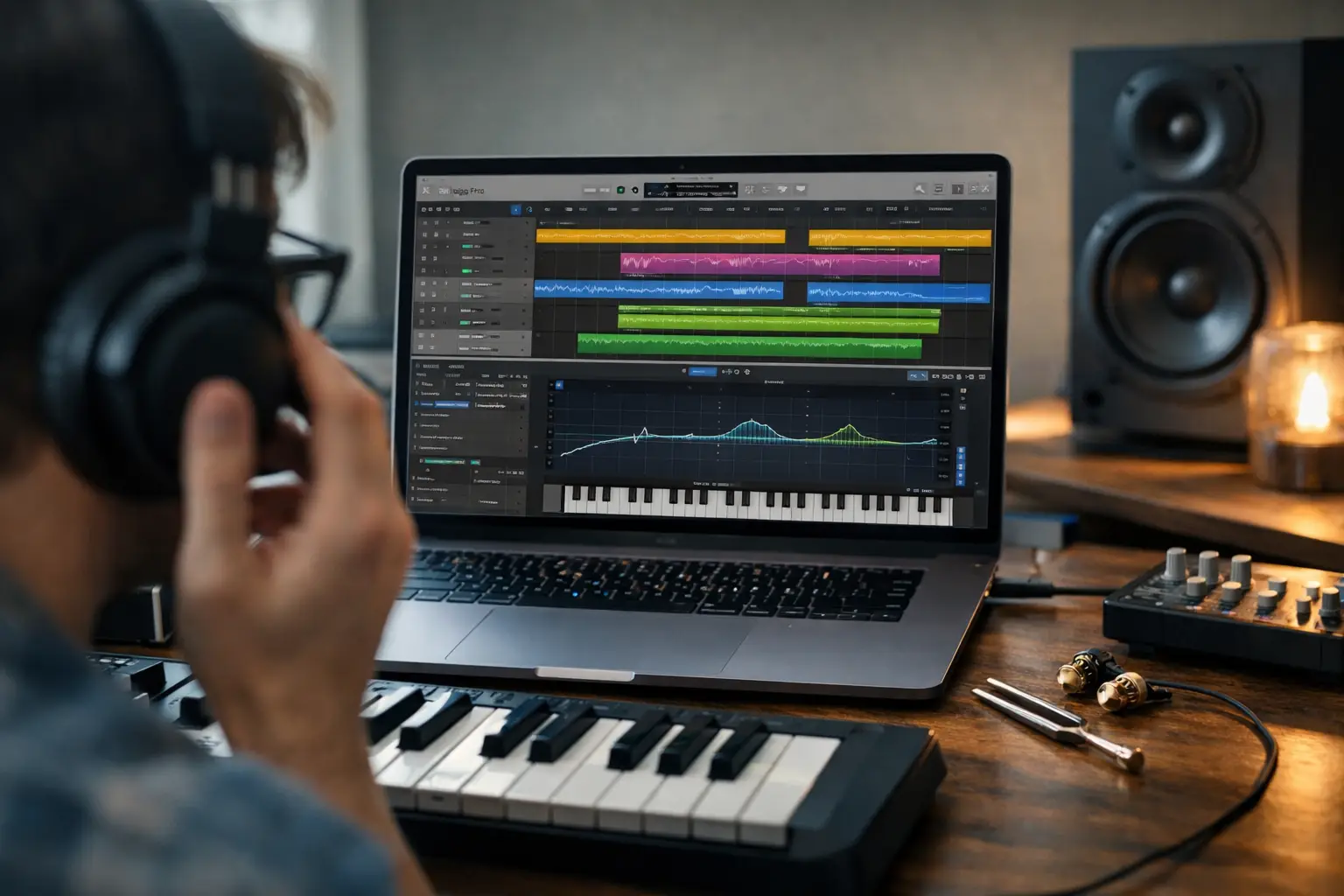
You can watch Logic tutorials for weeks and still freeze when a snare feels off, a chord sounds muddy, or a vocal needs EQ but you cannot tell where the problem lives. That is where logic pro ear training stops being a side quest and starts becoming the main campaign. If your ears are not leveling up, every plugin decision turns into guesswork.
The good news is that ear training inside Logic Pro does not need to feel academic or painfully slow. It works best when it is tied to real production moves - hearing pitch drift before you reach for tuning, recognizing masking before you stack more sounds, and catching groove issues before a track loses momentum. The goal is not to become a human frequency analyzer. The goal is to make faster, better calls while producing.
What logic pro ear training should actually train
A lot of beginners think ear training means memorizing intervals on piano forever. That helps, but production ears need a wider skill tree. In Logic Pro, the useful categories are pitch, rhythm, tone, space, and balance.
Pitch covers more than identifying notes. It includes hearing when a bass line fights the chord progression, when a vocal lands sharp, or when a synth lead feels emotionally tense because of interval choices. Rhythm training is about timing, swing, and placement - not just BPM. You are learning to hear whether something drags, rushes, or sits perfectly in the pocket.
Tone is where producers spend most of their lives. This means hearing the difference between bright and harsh, warm and muddy, punchy and boxy. Space is your sense of reverb depth, stereo width, and front-to-back placement. Balance is mix judgment - what is too loud, too buried, too dense, or too thin.
If you only train one of these and ignore the rest, your progress gets weird. You might identify intervals well but still make muddy mixes. You might understand EQ theory but miss timing problems. Strong producers build all five.
Why Logic Pro is a great ear training dungeon
Logic Pro gives you a surprisingly strong practice arena because it already contains the tools you need to test, compare, and repeat decisions. You do not need a pile of extra software to start hearing better.
The stock EQ lets you sweep and isolate frequency areas. The tuner gives instant feedback on pitch. Flex Time and Flex Pitch help you hear timing and tuning problems by exaggerating them, then correcting them. Sampler, Drum Machine Designer, and the step sequencer make rhythm drills easy to build. Even simple loop duplication becomes useful when you want repeated listening rounds.
This matters because ears improve through short, repeated encounters. One giant theory session will not carry you very far. Ten minutes of focused comparison in Logic, done daily, usually beats an hour of vague listening once a week.
Start with EQ ear training in Logic Pro
If you want the fastest practical upgrade, begin with EQ. It has the biggest payoff in real sessions because almost every track needs tone shaping.
Load any clean source in Logic - a vocal, snare, piano, or synth. Add Channel EQ. Pick one frequency band and boost it hard with a narrow Q. Sweep slowly until you hear an ugly or obvious quality jump out. Then stop and name what you hear. Around the low mids, you may hear mud or boxiness. Higher up, you may hear presence, bite, or harshness. Down low, you may hear weight or boom.
Then reverse the drill. Instead of boosting and searching, cut a problem area and ask yourself what changed. Did the sound get clearer, thinner, softer, less nasal? This second step is where a lot of ear training becomes useful instead of theoretical. In real mixing, you are often deciding what to remove, not just what to highlight.
There is a trade-off here. Extreme boosts are great for learning because they exaggerate the zone. But they can also create fake confidence if you never practice subtle moves. Once you recognize broad areas, lower the boost and make yourself work harder. That is where your ears start graduating from tutorial mode to real-session mode.
Train pitch with tools you already use
Pitch training inside Logic should connect to melodies, bass lines, and vocals you actually make. Otherwise it becomes trivia.
Start with a simple MIDI instrument and write a short melody using only three or four notes. Play it back, then change one note so it clashes on purpose. Ask yourself what the clash feels like before you look at the piano roll. Is it tense, sad, unresolved, just plain wrong? Then fix it by ear first and confirm visually second.
For vocals, use Flex Pitch on a recorded phrase. Listen once with no visual focus. Mark the spots that feel unstable or sour. Then open the pitch view and see if your guess was right. This loop is powerful because it trains your internal oracle instead of letting the screen do all the work.
Intervals matter too, but keep them production-focused. Minor seconds and tritones feel very different from thirds and fifths, and those emotional fingerprints show up in hooks, harmonies, and chord extensions. You do not need conservatory-level naming speed. You need to hear tension and release clearly enough to write and edit on purpose.
Rhythm drills that fix sloppy productions
A lot of unfinished tracks are not bad ideas. They just have weak groove. Logic Pro is excellent for rhythm training because you can hear timing mistakes immediately and reshape them fast.
Build a simple drum loop with kick, snare, and hats. Duplicate it. In the copy, move a few hits slightly ahead or behind the grid. Now alternate between the original and the edited version. Which one feels tighter? Which one feels more human? Which one just feels broken?
Next, try controlled swing experiments. Push hats later while leaving kick and snare locked. Then swing percussion but keep the hats straight. This teaches you that groove is not one giant setting. Different elements can create different kinds of motion.
You can also use Flex Time on live recordings or imported loops to hear microtiming more clearly. The point is not to quantize everything into submission. Sometimes a rushed vocal adds urgency. Sometimes loose percussion gives life. Ear training here means learning the difference between intentional feel and accidental mess.
Build better mix judgment with A/B listening
One of the fastest ways to improve your ears is to compare two versions of the same thing with one clear difference. This is basic, but it works like crazy.
Take a mix in progress and bounce two versions of a section. In one, turn the vocal up 1.5 dB. In the other, leave it alone. Listen without looking. Can you tell which one speaks more clearly? Then do the same with a brighter hi-hat, a shorter reverb, or a wider synth.
This kind of A/B listening trains decision-making under pressure. You stop asking, what does this plugin do, and start asking, which version serves the track better? That is a much stronger skill.
Reference tracks help too, but use them carefully. They are great for checking tonal balance and low-end control. They are less helpful if you copy them blindly. Your track may need a darker vocal, a narrower stereo image, or less sub depending on genre and arrangement. Ear training is not about forcing every song into the same armor set.
A simple weekly logic pro ear training routine
If your practice is random, your gains will be random too. A better approach is a short repeatable loop you can actually stick with.
Give yourself four focused sessions per week, around 10 to 15 minutes each. One day for EQ, one for pitch, one for rhythm, and one for mix balance. Use Logic only. No endless tab switching, no giant setup ritual. The shorter the friction, the easier it is to keep your streak alive.
In each session, run one drill and write down one observation. Maybe 300 Hz felt boxier than you expected. Maybe your timing guesses were worse on percussion than vocals. Maybe you keep over-brightening synths. These notes become your progression map. They show where your ears are strong and where the next boss battle is waiting.
If you want more structure, a platform like SoundSurf makes this process more game-like and measurable, which is useful if you tend to fall off after a few days. But the bigger principle is consistency. Ears are built through reps.
The biggest mistake: training without context
The trap is treating ear training like a separate planet from production. If you drill frequencies but never apply them in a mix, the skill fades. If you practice intervals but never write melodies, the knowledge stays abstract.
Every ear exercise should point back to a move you make in Logic Pro. Hear the mud, then clean the mud. Hear the timing issue, then fix the groove. Hear the pitch tension, then rewrite the phrase. The feedback loop matters more than the exercise itself.
That is also why progress can feel slow at first. Your ears usually improve before your confidence does. You start noticing more flaws, which can feel like getting worse. You are not. You are just finally seeing the map of the dungeon instead of walking into walls.
Keep the sessions short. Keep them repeatable. Keep them tied to actual tracks. A better ear will not make production easy, but it will make your choices sharper, faster, and way more intentional - and that is how you start sounding like you know exactly what you are doing.